Watch faces / Classic

Quantième

time that remembers

A perpetual calendar for the moments you want to slow down. Day, month, date and the moon in the sky. One glance tells you where you are in the year.

SystemWear OS 4 and newer
Colours5 families · 27 dials
Shortcuts4 tap zones
NightAlways-on mode
LanguageEnglish · Czech
Price€0.99
Coming soon to Google Play Pay once, keep it forever. Install from your phone or right on the watch.

A day with Quantième

It greets you in the morning and keeps quiet watch at night. The watches in these photos are running live.
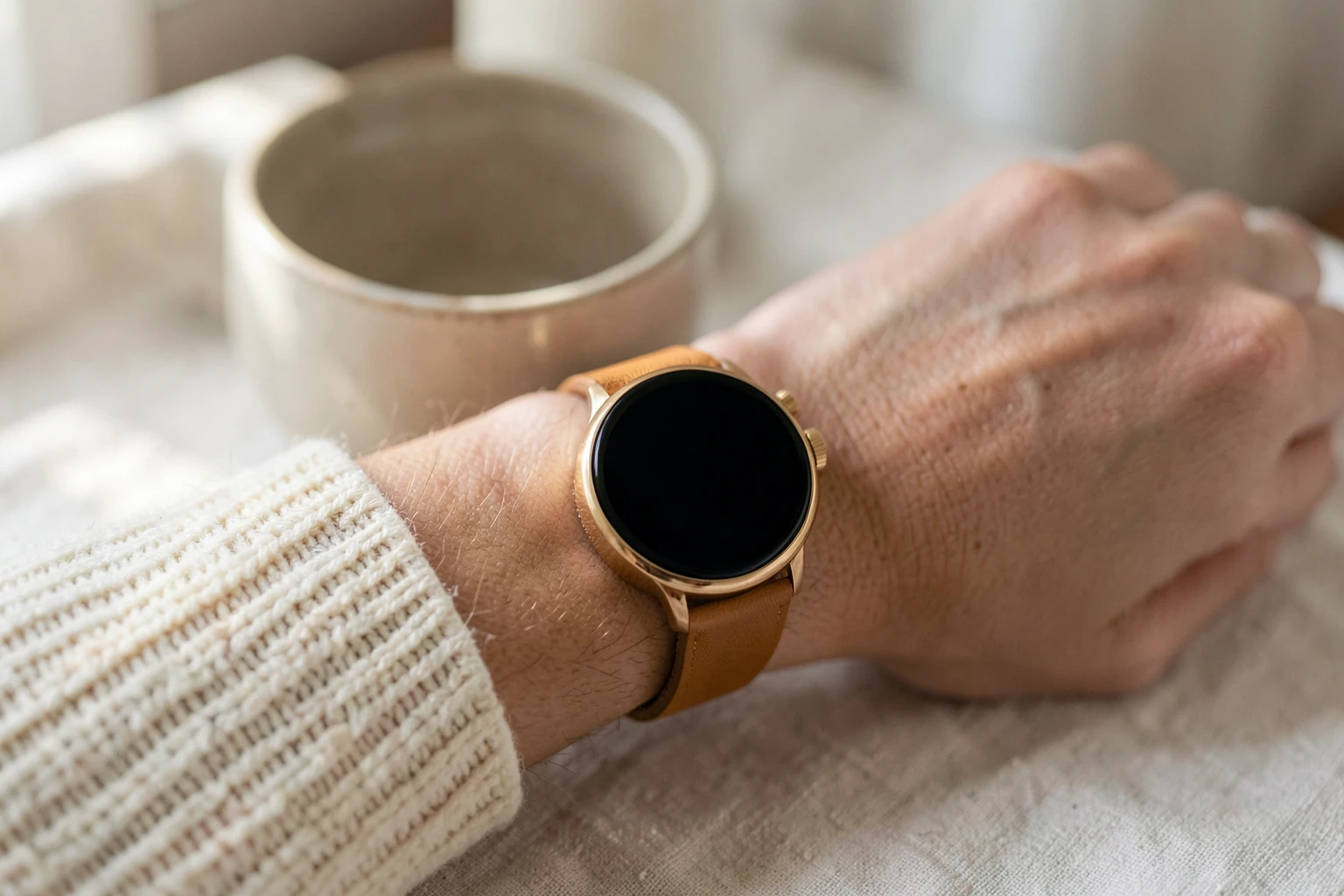
Morning · Ivory, gold hands

The first coffee and a small moon at six o’clock. The day isn’t in a hurry yet.
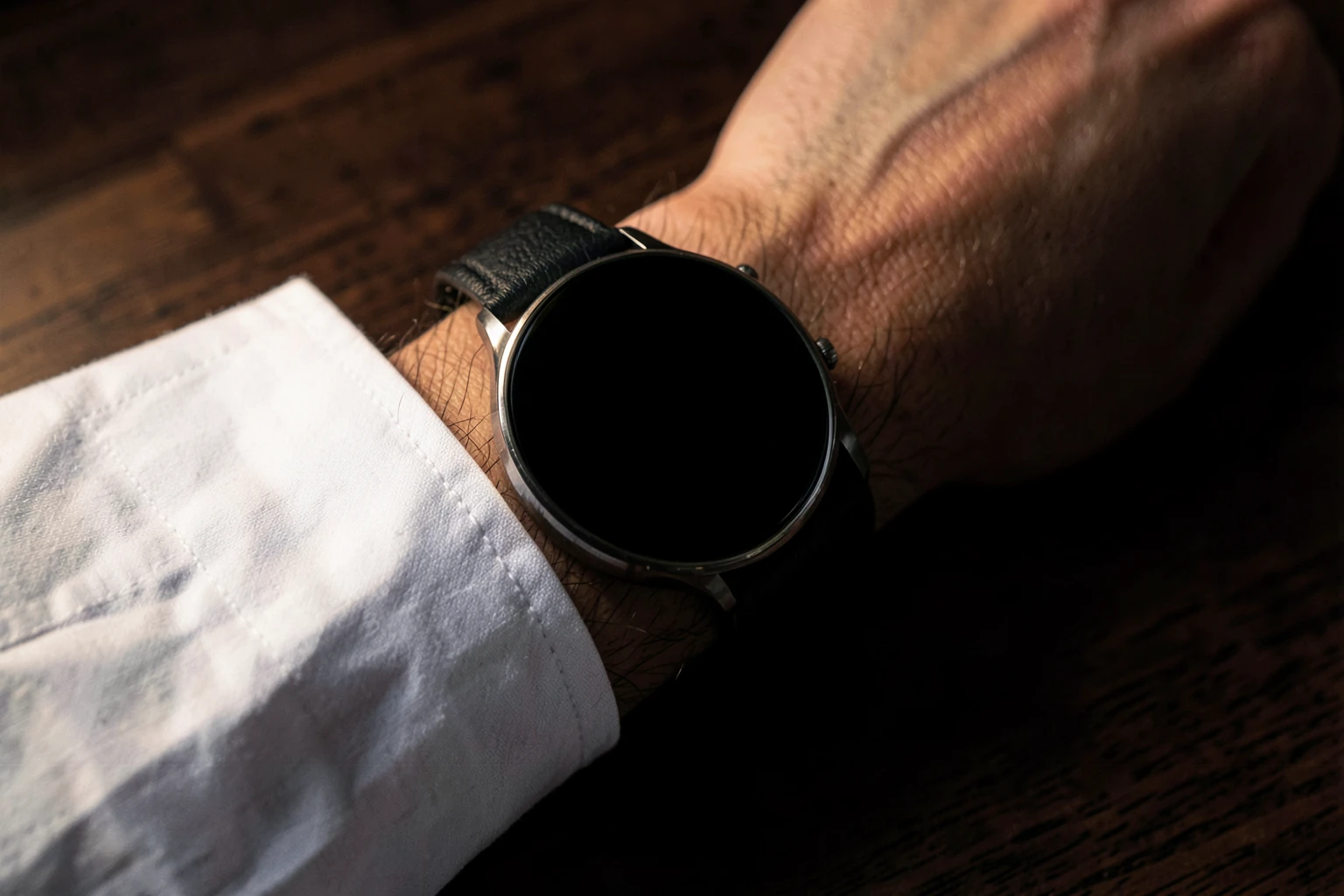
Night · always-on

The dial dims and only the hands remain. As if the watch were sleeping with you.

Try it on

Five metals,
twenty-seven moods

Choose the metal of the hands once, in the watch face editor. Then change the dial with your mood: tap the centre or the claw, right on your wrist.

Hands
Dial
––

Details

Small things that make you look at your watch more often than you need to.

01 · SIX O’CLOCK

A moon that is never wrong

The hand shows the date and the moon floats in the window below it. The watch calculates the phase, so the full moon arrives exactly when it rises in the sky.

In the evening you look up, then at your wrist. It matches.

02 · THREE O’CLOCK

Month and leap year

The large hand travels through twelve months. The small one in the centre shows how many years until the next leap year. The red quarter is the leap year itself.

A year with one extra day. The watch remembers it for you.

03 · TWELVE O’CLOCK

Battery as a power reserve

On a mechanical watch, the power reserve tells you how long until it stops. Here it shows the battery, and reads just as beautifully.

No percentage icon. Just a hand that slowly bows.

04 · NINE O’CLOCK

Day of the week and 24 hours

The large hand shows the day of the week, the small one in the centre turns once a day. The darker half is night.

You’ll recognise Friday afternoon without any numbers.

How it works

Taps that do something. And taps that don’t.

1 2 A

Specifications

For those who want to know everything.

Watch and system
System
Wear OS 4 and newer (Watch Face Format 1)
Display
Round. Square watches show a black border; a Coussin version for them is on the way.
Tested on
Galaxy Watch 6 Classic and Wear OS 4, 5, 5.1, 6, 6.1 and 7 emulators
Data and always-on mode
Shows
Time, day of the week, 24 hours, month, leap year, date, moon phase, battery
Night
Always-on mode with hour and minute hands only
Privacy
Data
The watch face contains no code of its own, no ads and no analytics, and sends nothing anywhere.
Galaxy Watch 4 and newerPixel WatchOther Wear OS 4+ watchesNot: Apple WatchNot: Garmin

More watch faces

The same care, the same hidden buttons. A different character.

Tempo

For the moments you give everything.

Katoda

The green glow of the night watch.

Steampunk Engine

A small machine that lives with your hand.

Unguis Quantième

A calendar you never
have to wind.

Coming soon to Google Play · €0.99